Skip to content

Global navigation

Log inSign Up

UNDERSTAND YOUR LOCATION DATA

Choose the right way to track what matters.

Everyday belongings, vehicles, or people who choose to share. See how each connection works, what can delay an update, and which device fits your needs.

DIFFERENT CONNECTIONS. ONE WORKSPACE.

PointerOn

Your available locations, together.

PositionFreshnessControl

Same map. Different journeys to it.

Choose the connection that suits the asset—not just the smallest device.

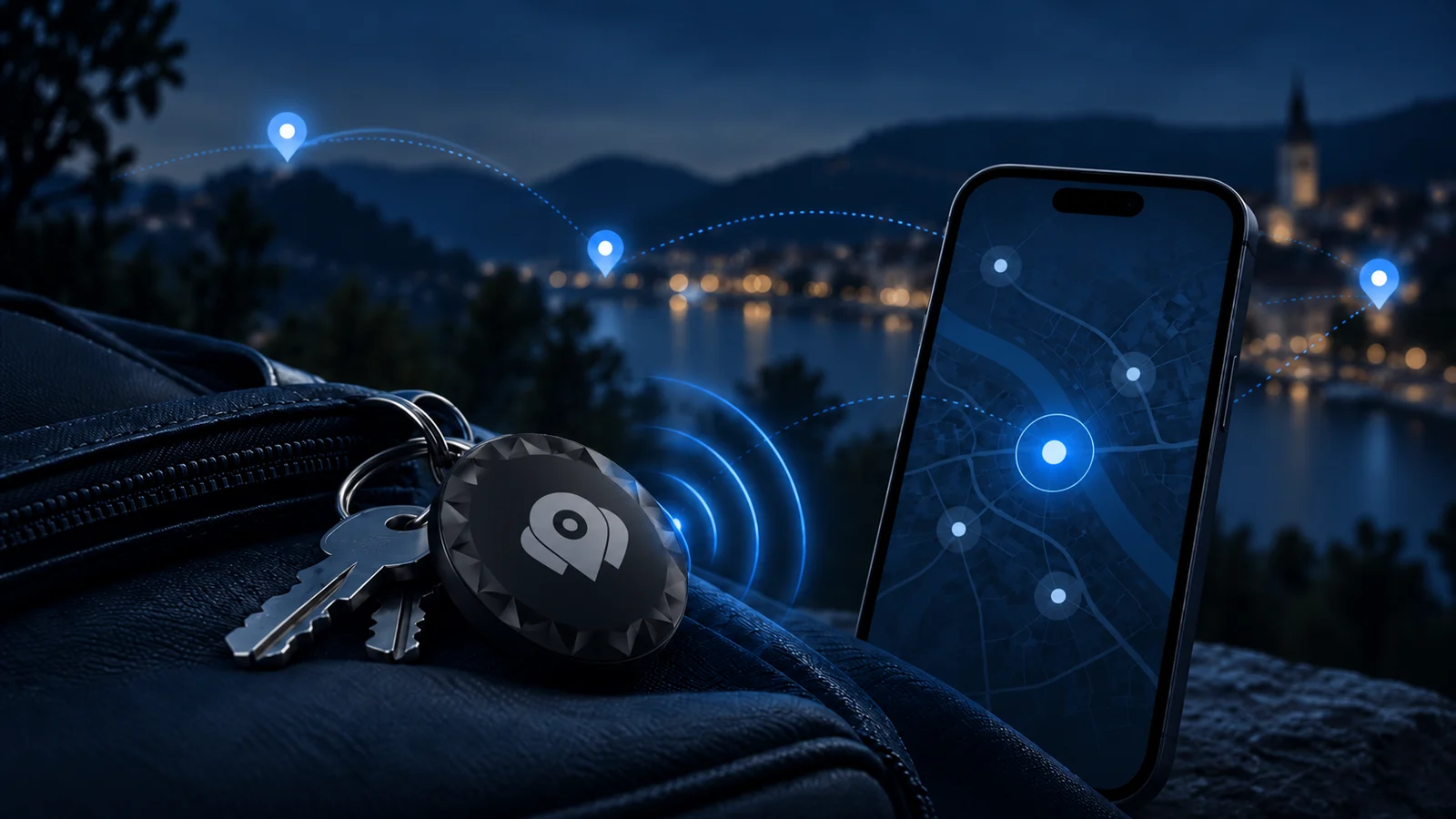
NEARBY NETWORK

AirTags / Beacons

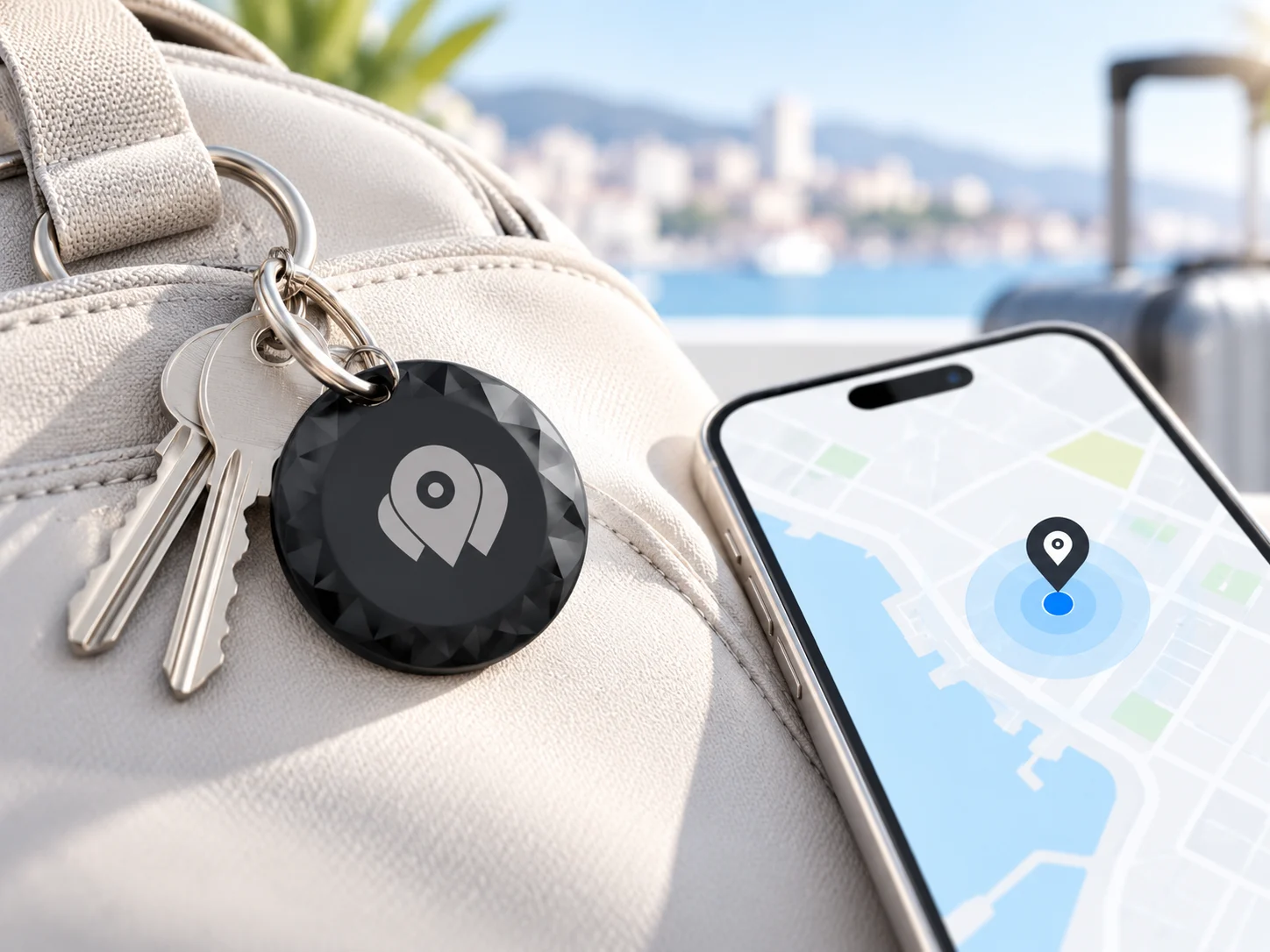
Compatible Find My items rely on nearby Apple devices to help report a location.

Connection
Bluetooth → Find My network → authorized sync
Power
Device battery; life depends on the model and use
Best suited to
Belongings where occasional location updates are enough
See how it works

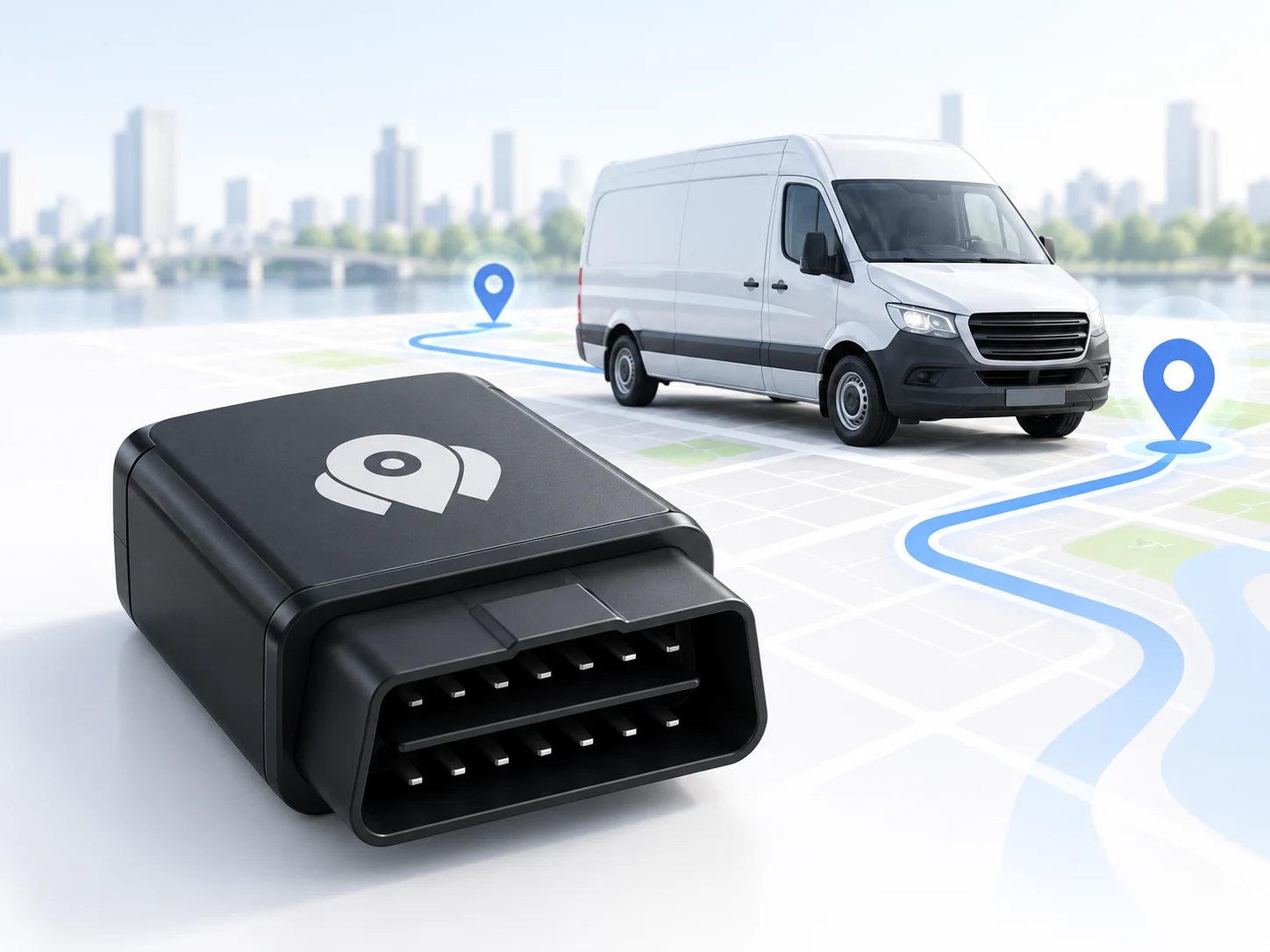
DEVICE CONNECTION

GPS / OBD trackers

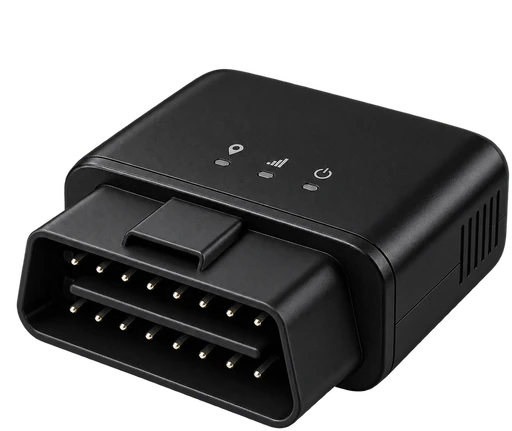
A supported tracker determines a position and sends it using its own data connection.

Connection
Satellite position → tracker data connection
Power
Vehicle supply for OBD models; other models vary
Best suited to
Vehicles and equipment with suitable power and coverage
See how it works

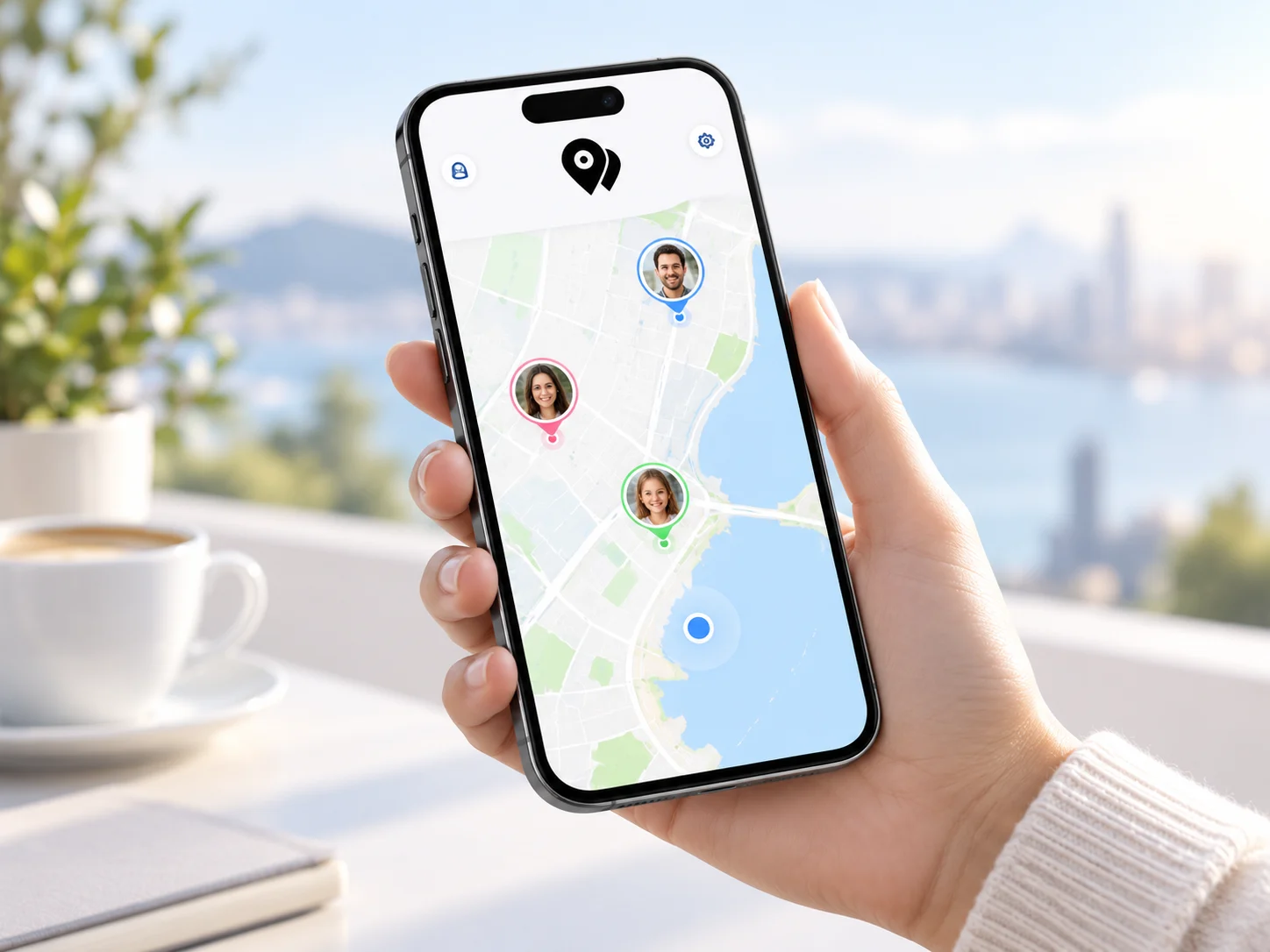
CONSENTED SHARING

Smartphones

Share a phone’s location with permission and control over when sharing is active.

Connection
Phone location services → permitted data sharing
Power
Phone battery; background settings affect reporting
Best suited to
People who knowingly choose to share their location
See how it works

01 / NEARBY NETWORK

AirTags / Beacons

A tag does not send GPS positions directly to PointerOn. A compatible item can be detected by a participating Apple device nearby. Your authorized integration retrieves the available location on its sync schedule.

What to keep in mind

No nearby reporting device may mean no new location. Syncing more often cannot create a missing sighting. Not every Bluetooth beacon supports Find My or the same integration.

Conceptual explanation, not a live device feed. The steps do not represent actual update intervals.

CHOOSE A CHAPTER

Choose a step to watch how it works. Replay any step at your own pace.

A compatible item is nearby.

The item broadcasts a Bluetooth signal. A participating Apple device nearby can detect it and report an approximate location through the Find My network.

02 / DEVICE CONNECTION

GPS / OBD trackers

A GPS tracker uses satellite signals to calculate its location, then transmits a report through its supported connection and protocol. OBD describes a vehicle connection; it does not guarantee the same features across tracker models.

What to keep in mind

Updates depend on satellite reception, network coverage, power and configuration. SIM/data requirements and vehicle compatibility are model-specific. Check the exact model before buying.

Conceptual explanation, not a live device feed. The steps do not represent actual update intervals.

CHOOSE A CHAPTER

Choose a step to watch how it works. Replay any step at your own pace.

The tracker determines a position.

With suitable satellite reception, the tracker calculates its location. Buildings, tunnels and installation can affect the fix.

03 / CONSENTED SHARING

Smartphones

The phone’s location services combine available signals. A supported sharing setup can send that location to PointerOn when the person has consented and the necessary permissions are enabled.

What to keep in mind

Consent alone does not grant operating-system permissions. Background restrictions, battery saving, disabled location services or no network can interrupt updates. Sharing must remain voluntary.

Conceptual explanation, not a live device feed. The steps do not represent actual update intervals.

CHOOSE A CHAPTER

Choose a step to watch how it works. Replay any step at your own pace.

The person chooses to share.

Explain who can see the location and why. Obtain informed consent and enable the necessary location permissions on the phone.

READING THE MAP

Last synced is not the same as last seen.

Fetching an existing report again does not create a new location. Always consider the age of the position—not just whether a device is connected.

  1. When was the position recorded?

    This is when the source reported the location. A recent sync can still return an older position.

  2. When did it reach PointerOn?

    Network delays, scheduled syncs and device settings can separate the observation from its arrival in your workspace.

  3. What could delay the next update?

    Check coverage, battery, permissions and integration status. A gap is not proof that the asset stayed still.

UNDERSTAND YOUR LOCATION DATA

Know what to expect.

A few practical answers before you connect your first device.

Does every device update in real time?

No. Find My items depend on nearby participating devices and scheduled syncs. GPS trackers depend on their reporting settings and connection. Smartphone updates depend on permissions, connectivity and operating-system limits.

Can an alert arrive after an asset crosses a boundary?

Yes. A geofence can only be evaluated from the locations PointerOn receives. Delayed or missing positions can delay an alert or leave a crossing unobserved. Tracking is not an emergency or safety service.

Are all features included with every plan?

Plans have different limits, retention and entitlements. Device fees are separate from the base plan where listed. Check current pricing before choosing a plan or device.

Compare plans and device fees
What about tracking people?

People must know about and consent to location sharing, and be able to stop it. Use consenting smartphone sharing for people. AirTags and Find My accessories are intended for belongings, not for tracking people.

Read the privacy policy

Start with the right connection.

Check the exact device model and integration, review the plan and device fees, then test location updates before relying on them. Only share another person’s location with their informed consent.

Further reading: Apple’s guidance on item tracking · Find My network security

Choose the right way to track what matters. | Pointeron